Voice Wake-Up
MediaPipe4USpeech provides voice wake-up, allowing your application to react to spoken commands captured from a microphone.
It integrates with ASR to implement voice activation similar to "Hey Siri".
Tip
Wake-up is difficult to use independently from ASR in the current version because few standalone functions are exposed. Integration with ASR is recommended.
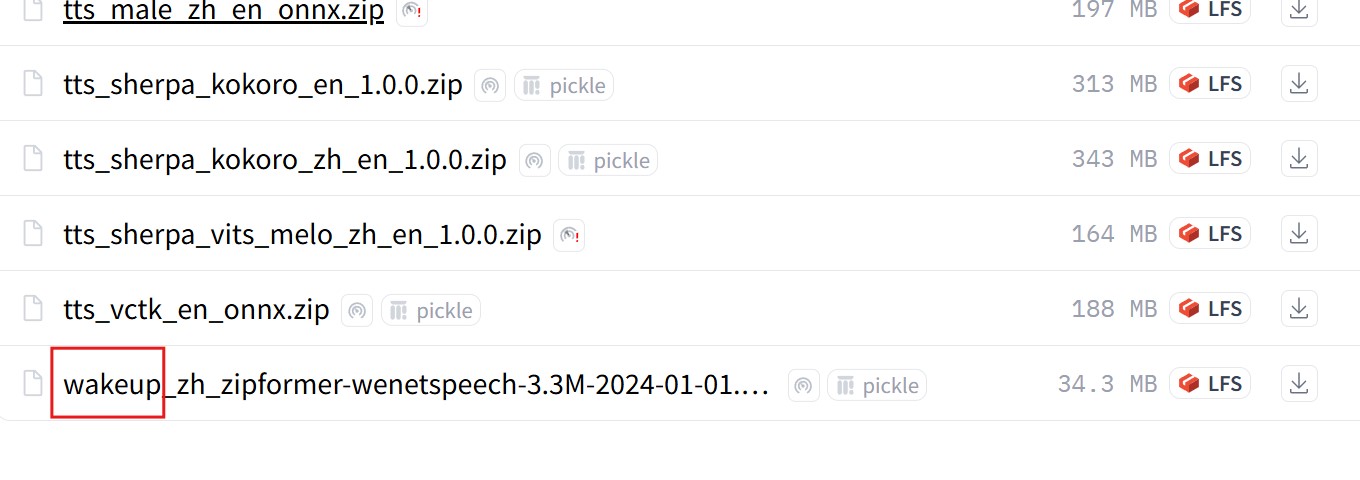
Install a Wake-Up Model
First install a wake-up model from the speech model downloads page.
Tip
Chinese wake-up models support only Chinese keywords, while English models support only English keywords. The languages cannot be mixed.
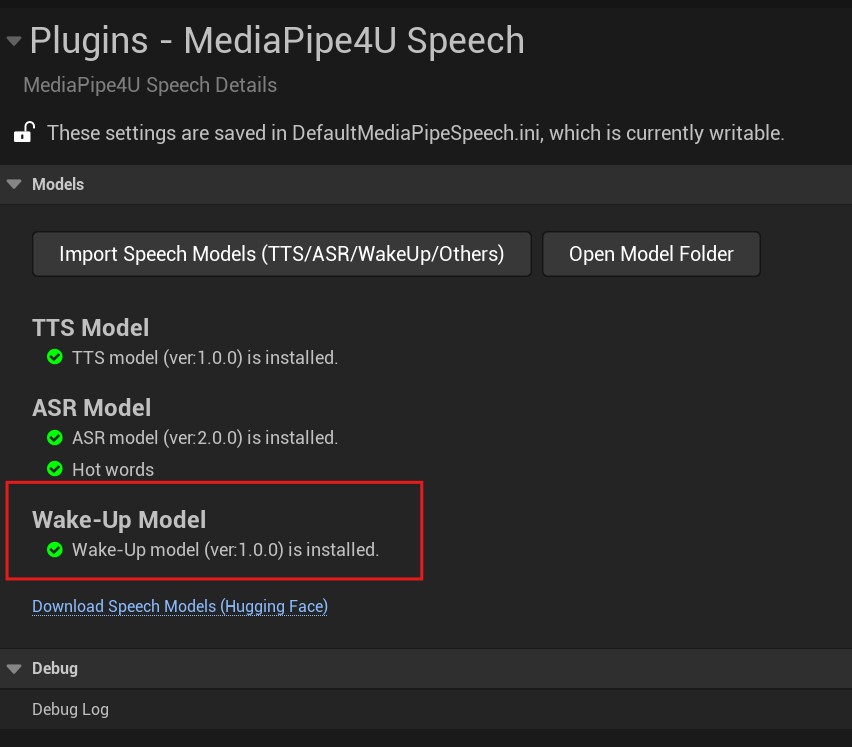
After installation, the MediaPipe4U Speech plugin settings page should show the wake-up model as installed.
Integrate with ASR
Add an Actor
Place a MediaPipeSpeechWakeUpActor in the Level. No configuration is required on this actor.
Configure MediaPipeSpeechActor
After adding both MediaPipeSpeechActor and MediaPipeSpeechWakeUpActor, configure MediaPipeSpeechActor to enable ASR wake-up.
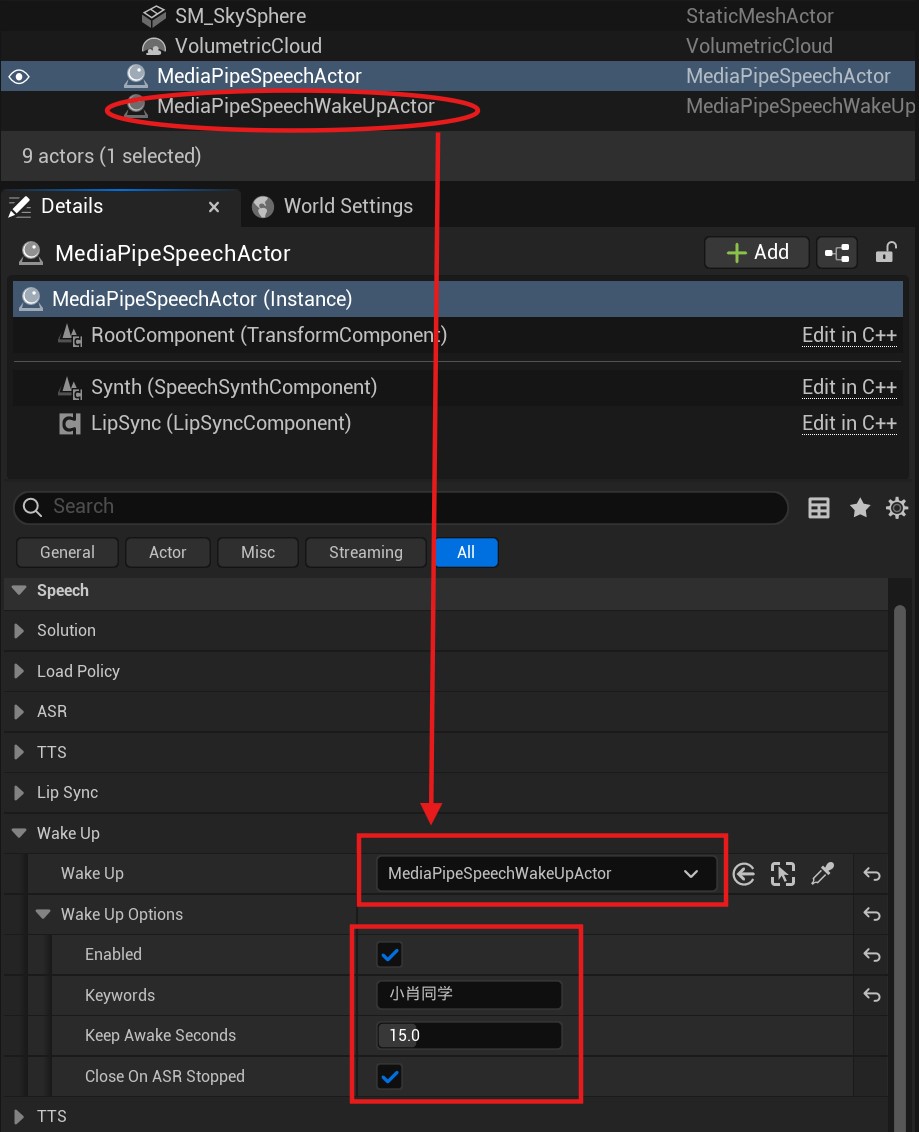
ASR enters the wake-up flow when:
EnableunderWakeUpOptionsonMediaPipeSpeechActoris true.WakeUponMediaPipeSpeechActorreferences aMediaPipeSpeechWakeUpActorinstance.
Tip
When integrated, MediaPipeSpeechActor takes ownership of MediaPipeSpeechWakeUpActor.
You do not need to open or close MediaPipeSpeechWakeUpActor;
do not configure wake words on MediaPipeSpeechWakeUpActor;
complete all settings on MediaPipeSpeechActor.
Wake-up properties on MediaPipeSpeechActor:
WakeUp: TheMediaPipeSpeechWakeUpActorinstance integrated with ASR.-
WakeUpOptions: Voice wake-up options. -
Enabled: Whether wake-up is enabled. Keywords: Wake words used to wake ASR.KeepAwakeSeconds: How long ASR remains awake. The timer resets when ASR recognizes speech; after this many seconds without speech, ASR sleeps and must be awakened again.CloseOnASRStopped: When true, stopping ASR automatically closesMediaPipeSpeechWakeUpActor; otherwise, close it manually withClose.
Start Recognition After Wake-Up
Call StartCaptureMicrophoneAsync on MediaPipeSpeechActor to capture microphone audio. ASR must first hear a wake word before recognizing speech.
ASR Flow with Voice Wake-Up
graph TD
  A[Audio] --> B{ASR Awake?};
  B --> |Yes| D{Recognize ?};
  B --> |No| C{Do Wake Up}
  C --> |Success| D
  C --> |Failure| H{Loop Next}

  D -->|Yes| E{Output Text};
  E --> H

  D -->|No| F{Exceed KeepAwakeSeconds?};

  F --> |Yes| G{Sleep ASR}
  G --> H
  F --> |No| H
Standalone Usage
The current MediaPipeSpeechWakeUpActor does not integrate well with Unreal Engine when used alone, mainly because of limitations in Unreal Engine's audio system.
For example, PCM data is unavailable from AudioCaptureComponent, and sampling-rate information is difficult to obtain from other components.
Standalone usage therefore has limited value; integration with ASR is recommended.
Standalone Limitations
Other than SoundSubmix plus Audio Device, Unreal Engine provides almost no way to obtain PCM audio data.
SoundSubmix and Audio Device approaches are C++-only and not Blueprint-friendly.
Therefore, standalone MediaPipeSpeechWakeUpActor currently detects wake words only from raw PCM data.
Add an Actor
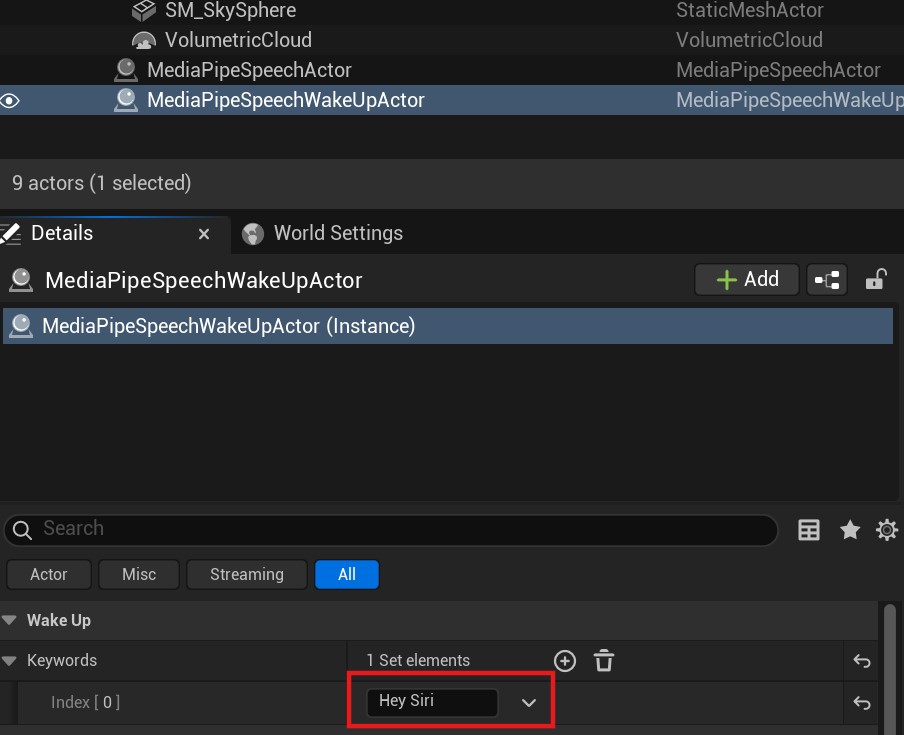
Place a MediaPipeSpeechWakeUpActor in the Level and configure wake words.
Note
You can configure multiple wake words and respond differently to each in the wake-up event.
Multiple wake words can implement commands such as "turn on the light", "turn off the light", "play", and "pause".
When integrating with ASR, configure ASR wake words on MediaPipeSpeechActor, not on MediaPipeSpeechWakeUpActor.
Open WakeUp
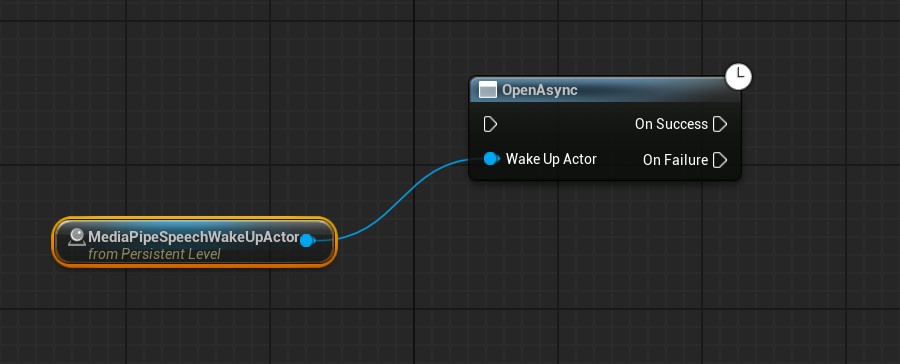
Before detecting wake words from audio, call Open on MediaPipeSpeechWakeUpActor to load the model and allocate the audio buffer.
Wake-Up Detection
Call WakeUpFromAudio to detect wake words in PCM audio.
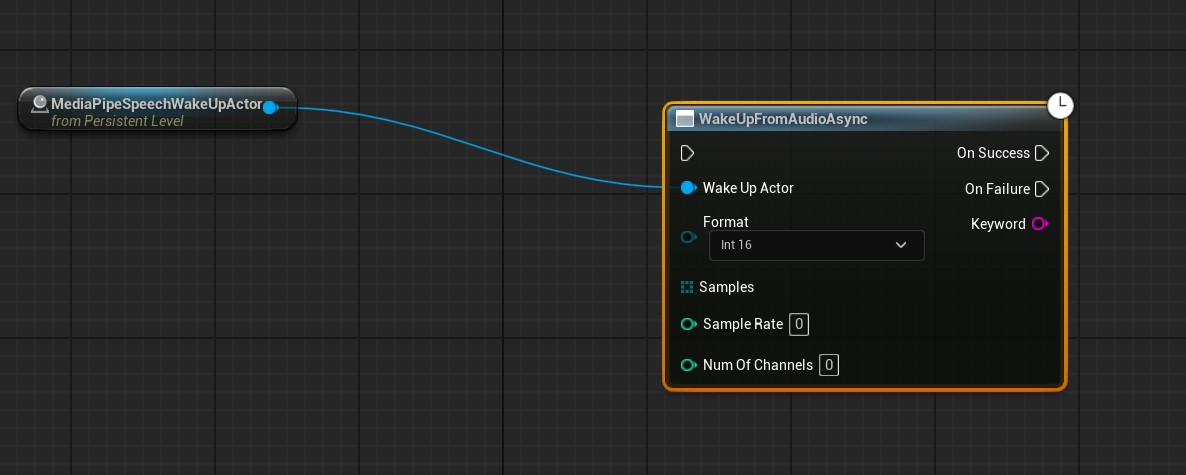
On success, Keyword contains the detected wake word.
Failure means no wake word was found in the audio.
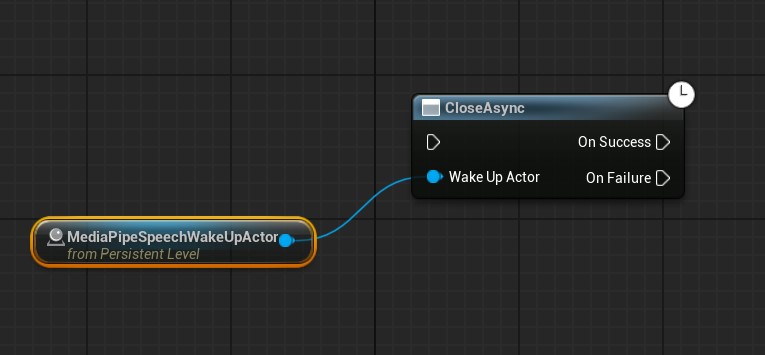
Close WakeUp
When wake-up is no longer needed, call Close on MediaPipeSpeechWakeUpActor to release substantial memory.